Employee Scheduling
Easily manage customers, appointments, team schedules, and messaging — all in a single app with Appointible.
Get started free
Empower your staff and grow your business
Providing your staff with the right tools is essential for their success, which in turn contributes to the growth of your business. Empowering your team to manage their working hours, schedules, clients, and appointments effectively leads to increased productivity and overall client satisfaction.
Manage your staff's calendars
Coordinating employee schedules can be complex and time-consuming. Appointible allows you to access and update each team member's schedule on the go, ensuring seamless coordination and reducing the risk of scheduling errors.
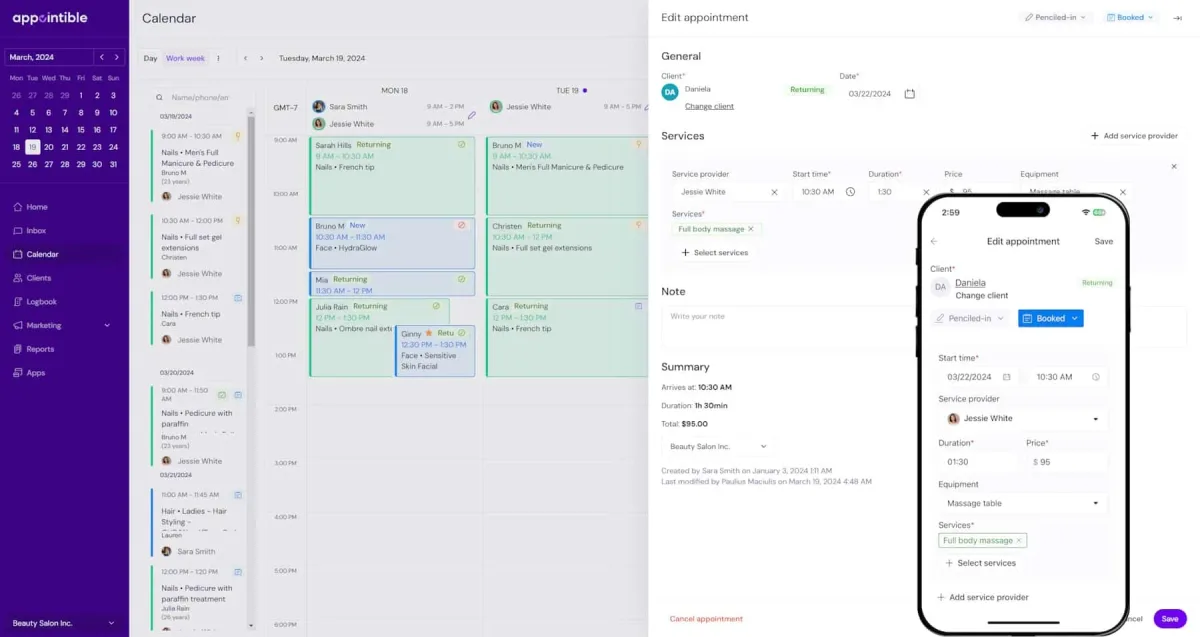
Give your team freedom to manage their calendars
Allow employees to manage their own working hours and availability. Staff autonomy leads to increased job satisfaction and better overall performance — while you keep full visibility from the admin dashboard.
Real-time availability
Clients see your team's live availability when booking. No outdated calendars, no scheduling conflicts — every booking automatically reflects the correct availability for every staff member in real time.
Stay connected on the go
Manage your business from anywhere with the Appointible mobile app. View schedules, confirm appointments, and communicate with clients — all from your phone, iOS or Android.
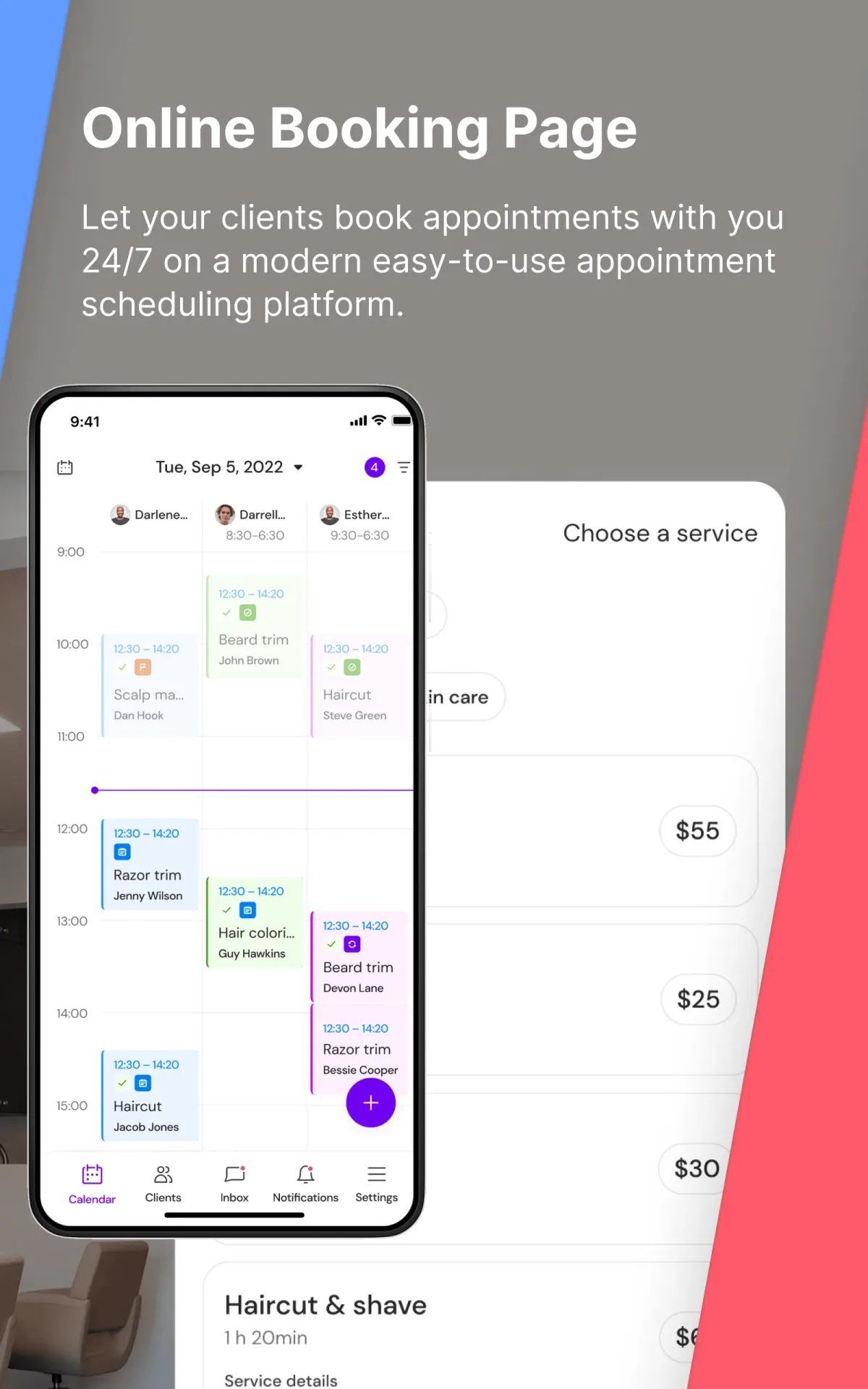
Individual booking links per staff member
Each team member gets their own unique booking link. Clients who prefer a specific stylist or therapist can book directly with them, streamlining the experience for loyal regulars.
Staff permissions and access control
Control what each team member can see and do in the app. Front desk staff can manage the full calendar; stylists see only their own bookings. Keep sensitive data secure while giving everyone the access they need.
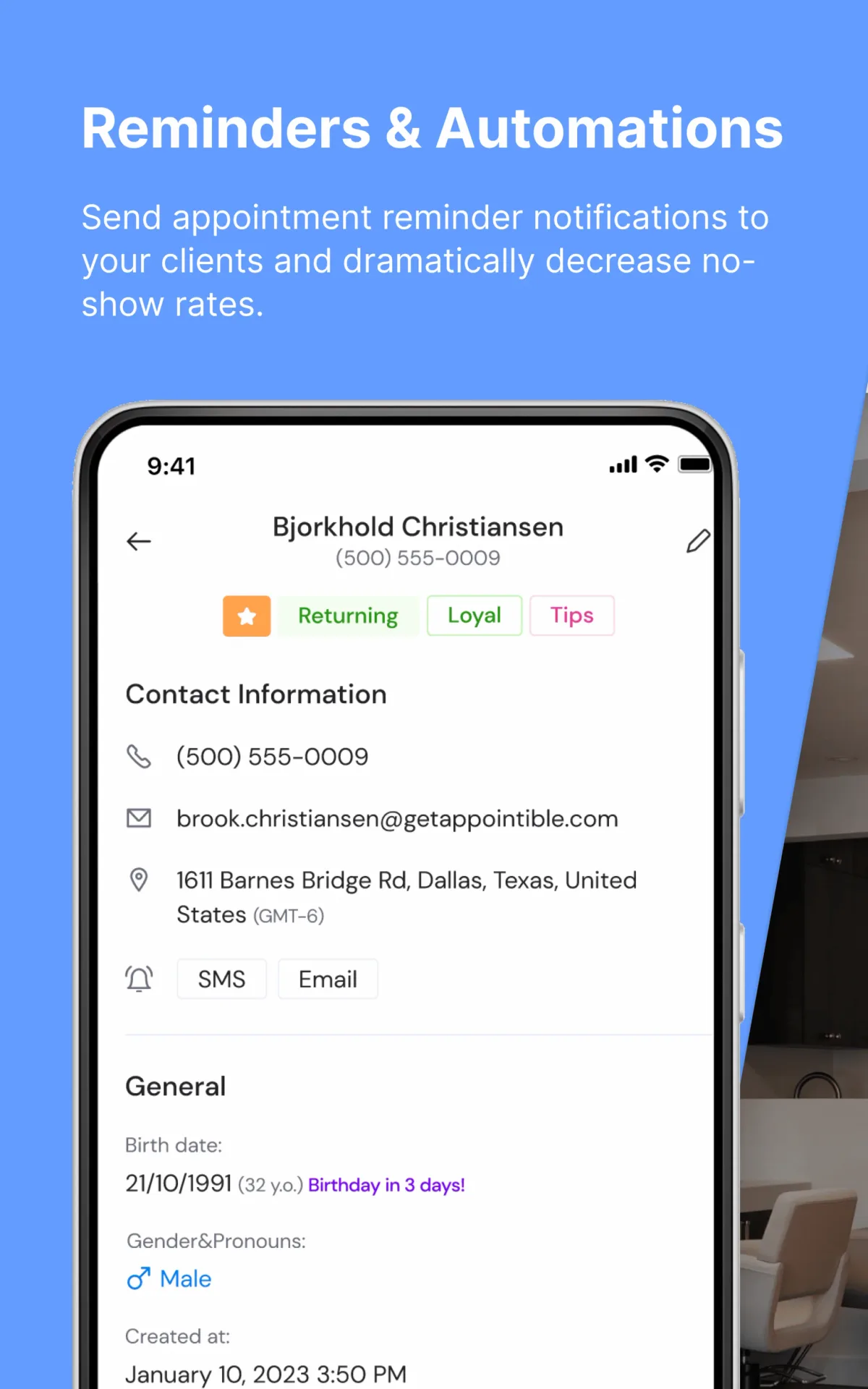
Get your team set up in minutes
Adding your staff to Appointible is simple. Give your team the tools they need and let them get to work.
Add your team members
Create a staff profile for each team member, assign the services they perform, and set their individual working hours.
Grant mobile access
Staff download the Appointible app and log in to see their personal calendar, upcoming appointments, and client details.
Manage on the go
Your whole team gets real-time notifications for new bookings, cancellations, and client messages — right on their phones.
New to Appointible?
Our online booking solution can help you seamlessly get a fully booked agenda for your business.
Get started freeEverything you need to run your business
Appointible gives you every tool in one place — from team scheduling to client communication.
Appointible Calendar
See your whole team's schedule in one view. Drag to reschedule, block off time, manage availability.
Explore CalendarOnline Booking Website
Clients book directly with their preferred staff member — automatically synced to your calendar.
Explore Booking WebsiteClient Management
Each staff member can access client profiles, notes, and appointment history from the app.
Explore Client ManagementBusiness Insights
Track individual staff performance, revenue per team member, and utilisation rates.
Explore Business InsightsMake your next move.
Start your free trial. Pay only for the staff you have — no commitment, cancel anytime.